
A Canadian payment solution should fit the way your business earns and spends money. Can you identify the invoice behind a receipt? How much remains after fees? When can you use it to pay suppliers? These questions make a provider comparison useful before integration begins.
Interac e-Transfer for Business is a practical local example. Its features depend on the financial institution and implementation. The gateway records below help frame a commercial enquiry; they do not establish that each recorded option supports Interac or is available to your business.
Nine recorded offers to start the comparison
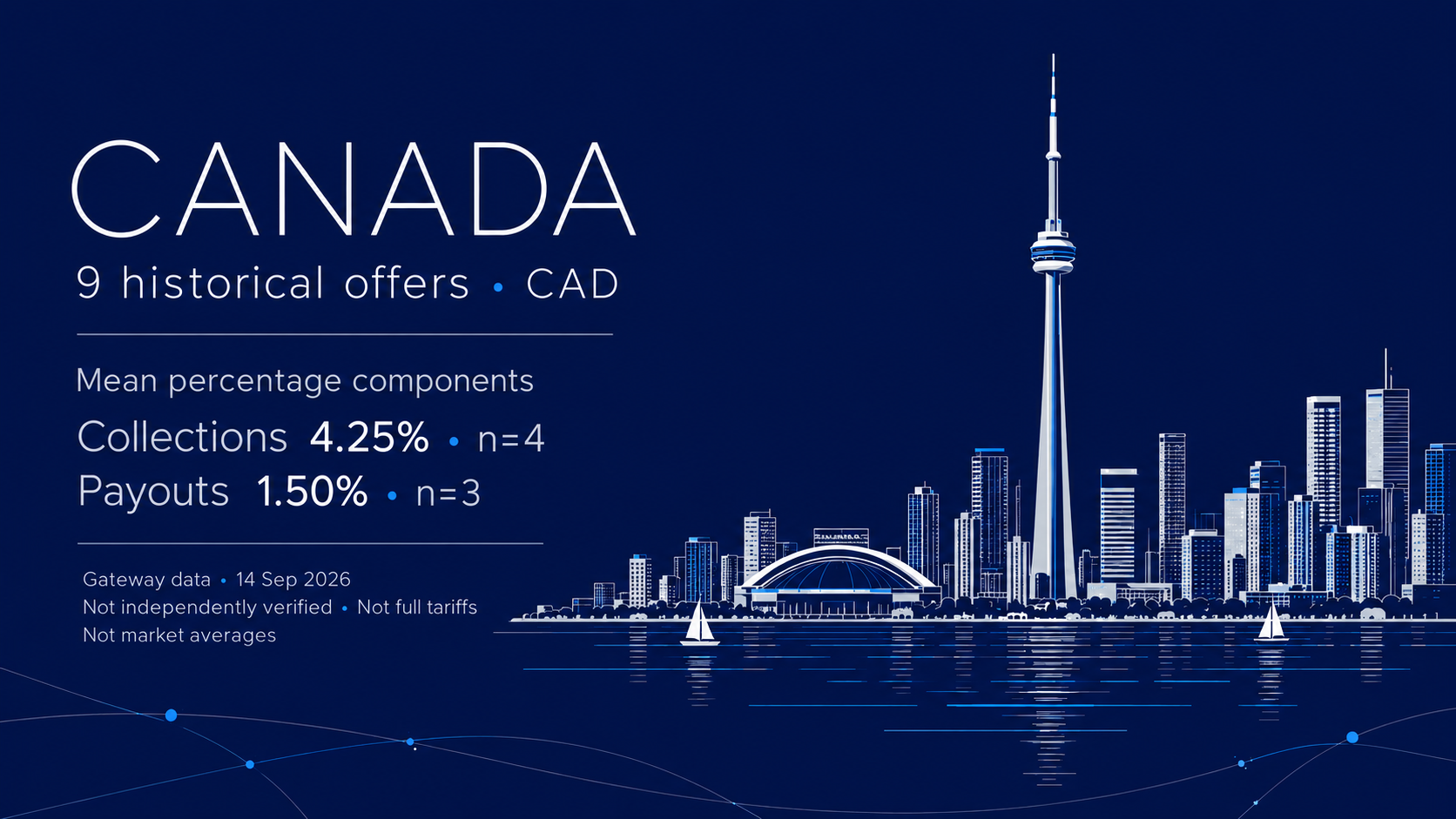
The gateway-supplied snapshot of 14 September 2026 contains 9 unique offers associated only with Canada: 5 for collections and 4 for payouts. All nine have a CAD currency association. These are catalogue records, not nine independent PSPs or verified live connections.

Start with separate briefs for money coming in and money going out. Collections need an invoice reference, an amount and evidence of receipt. Payouts need an approved beneficiary, sufficient funding and a result for each item. Independent country, currency and method links in the source do not prove all possible combinations.
For a business already using a participating Canadian financial institution, Interac describes invoice numbers and customer identifiers travelling with payments. The actual reporting experience varies with the institution and accounting system. Ask which fields survive into your own ledger. Interac business features.
Compare the whole tariff at your transaction values
In the small CAD fee subsets, the mean stated percentage component is 4.25% for collections (4 records) and 1.50% for payouts (3 records). Each eligible record has equal weight. Only CAD-denominated fee records with an explicit percentage were included. Another fee currency and ambiguous percentage wording were excluded. The two subsets are not a matched product or a market benchmark; records can share a provider.

These figures omit fixed charges and other conditions. We do not publish individual tariff points, minima, maxima or a detailed fixed-fee breakdown from these small groups. A missing or zero field does not establish that the charge is absent. Obtain a complete written quote for your product and transaction distribution. Interac's business FAQ separately states that institutions set bulk-disbursement fees; the private gateway sample is not an Interac tariff. Interac business FAQ.
Consider hypothetical tariffs A: 1.5% + CAD 1, and B: 0.5% + CAD 4. On CAD 100, they cost CAD 2.50 and CAD 4.50. At CAD 300, both cost CAD 5.50. On CAD 600, A costs CAD 10 and B costs CAD 7. The break-even amount is CAD 300. This constructed example is not taken from the recorded offers and excludes other charges.
Apply the complete tariff to your actual ticket sizes. Ask about minimum fees, unsuccessful attempts, refunds, investigations, currency conversion and merchant settlement. Show reserves separately because they affect usable funds as well as pricing.
Separate customer receipt from your usable balance
A collection settlement term is populated in 4 of the 5 collection records; one has no stated term. This is a completeness measure, not a speed measure. The small detailed groups remain private, and the records do not support an average actual settlement time.

If a PSP sits between the payer and your bank account, confirm the event that starts its settlement clock, business versus calendar days, cut-offs, minimum amounts, receiving currency and account. A domestic payment completion does not by itself prove when your merchant balance is withdrawable or usable for payouts.
Ask a candidate to walk through one invoice from request to receipt, deductions, any hold and the bank credit. For payouts, establish whether a separate balance must be funded and when a debit becomes final. Do not infer a foreign settlement route from a CAD association. Keep the payment result and your treasury balance as separate fields until the provider's reports reconcile them.
Connect the invoice, the payer and the receipt
Request Money lets a business include an invoice reference in a limited message field. Keep it stable and test it end to end. Interac's setup guide requires an enabled Canadian business bank account and describes the customer authorising the requested payment before it is completed. Sending a request is therefore not proof that the invoice has been paid. Request Money FAQ, business setup guide.
Autodeposit removes the security-question step and displays the recipient's legal name to the sender. Check that the customer's payment instructions match your intended recipient. For changed supplier details, verify the change through an established independent contact channel. The displayed name is useful evidence, not your approval of the supplier or invoice. Interac Autodeposit guidance.
Ask for request ID, invoice reference, payment ID, amount and final status in a sample export. Establish a rule for a payer whose name differs from the invoiced customer. The source contains no common measured conversion dataset: request creation, payer approval and final receipt must not be combined into an invented success rate.
Reconcile each CAD payout before retrying
Interac's Bulk guide describes a payment file with amounts and recipient details. Depending on the financial institution, it can contain up to 10,000 payments, with up to CAD 25,000 per transaction. These are conditional product limits, not a universal account allowance or proof of support by a recorded gateway. Interac Bulk guide.
Take a hypothetical run of 20 supplier payments at CAD 600: CAD 12,000 total. If 19 are confirmed completed and one is unresolved, CAD 11,400 is confirmed and CAD 600 needs investigation. The batch total alone cannot tell you whether the last supplier received money. This is an operational example, not observed provider performance.
Before onboarding, agree item-level identifiers, final and intermediate statuses, duplicate controls, approval roles, funding requirements and daily limits. Obtain the refund, cancellation and recovery procedures. Investigate the unresolved item before retrying; do not resend a whole file simply because one result is missing.
Check the legal entity and the product's permissions
Regulatory sources reviewed: 30 September 2026. For a provider subject to the Retail Payment Activities Act, check its status in the Bank of Canada registry. The Bank expressly states that registration is not its endorsement or licensing of the PSP. An application and an actual registration are different statuses. Neither establishes permission for your specific business model. Bank of Canada PSP registry.
Confirm the contracting entity, activities, applicable permissions and account eligibility before a launch. The enabled Canadian business account described in Interac's guides does not establish eligibility for every foreign company. Licensing for a merchant's own activity, cross-border arrangements and other applicable requirements must be assessed separately. This guide does not approve any regulated sector, individual PSP or payment route.
PayStar's role
PayStar provides information and technical services. It does not act as a bank or PSP and does not accept, hold or settle customer or merchant funds in its own name. The merchant selects the provider and contracts with it directly; payment processing and settlement are the provider's responsibility under that contract. Technical integration, routing and monitoring are subject to separately agreed scope.
PayStar works with lawful products holding the licences and permissions required for their activities and jurisdictions, where applicable. This policy is not confirmation that every historical record meets those requirements. Qualification must establish the relevant entity, product, permissions and intended use before onboarding.
Get details on payment gateways in Canada
Send your country of incorporation, business activity, average ticket or invoice value, monthly volume, collection and payout needs, reporting requirements and intended settlement country and currency. Anastasia in Payment Discovery can provide free information about options to investigate for lawful activity: Telegram or email Anastasia.
PayStar Discovery helps structure that comparison. Current availability, eligibility and full pricing are confirmed with the selected provider. Information is free; integration and processing are subject to separate terms.